How it plays.
One rule runs every rally: the earlier you are set, the more the shot is yours.
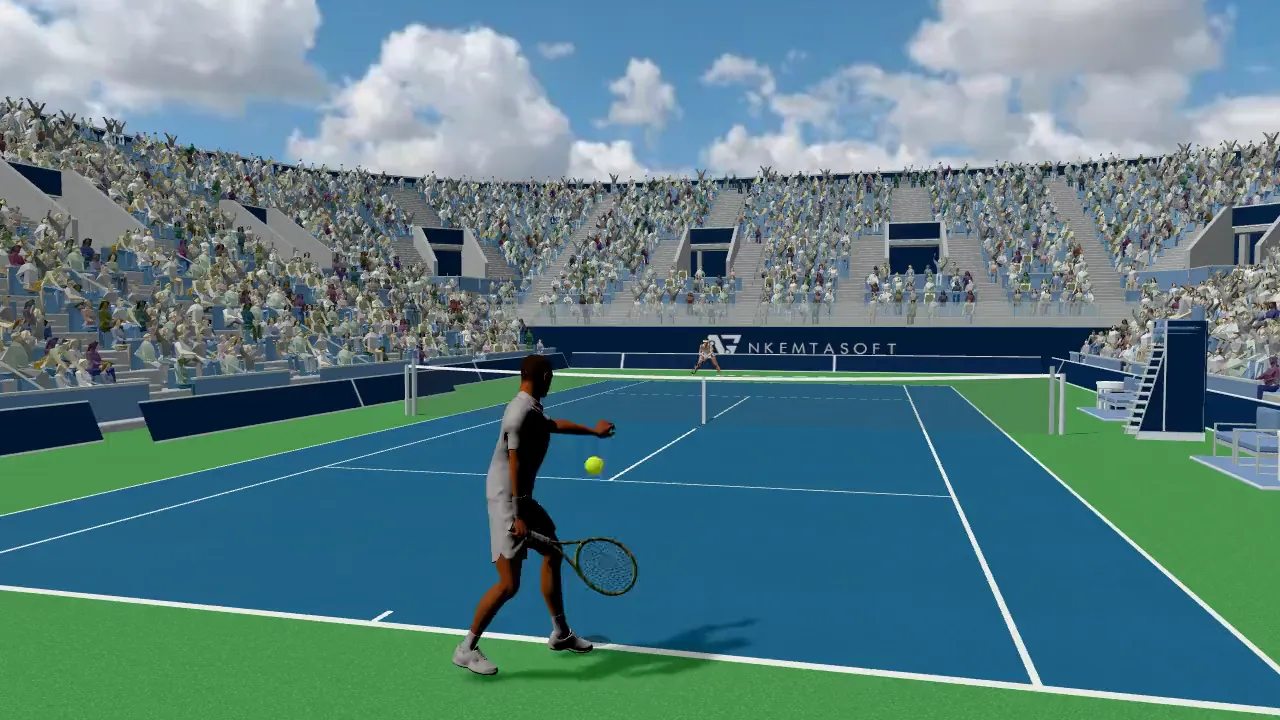
A stroke, start to finish.
- 1
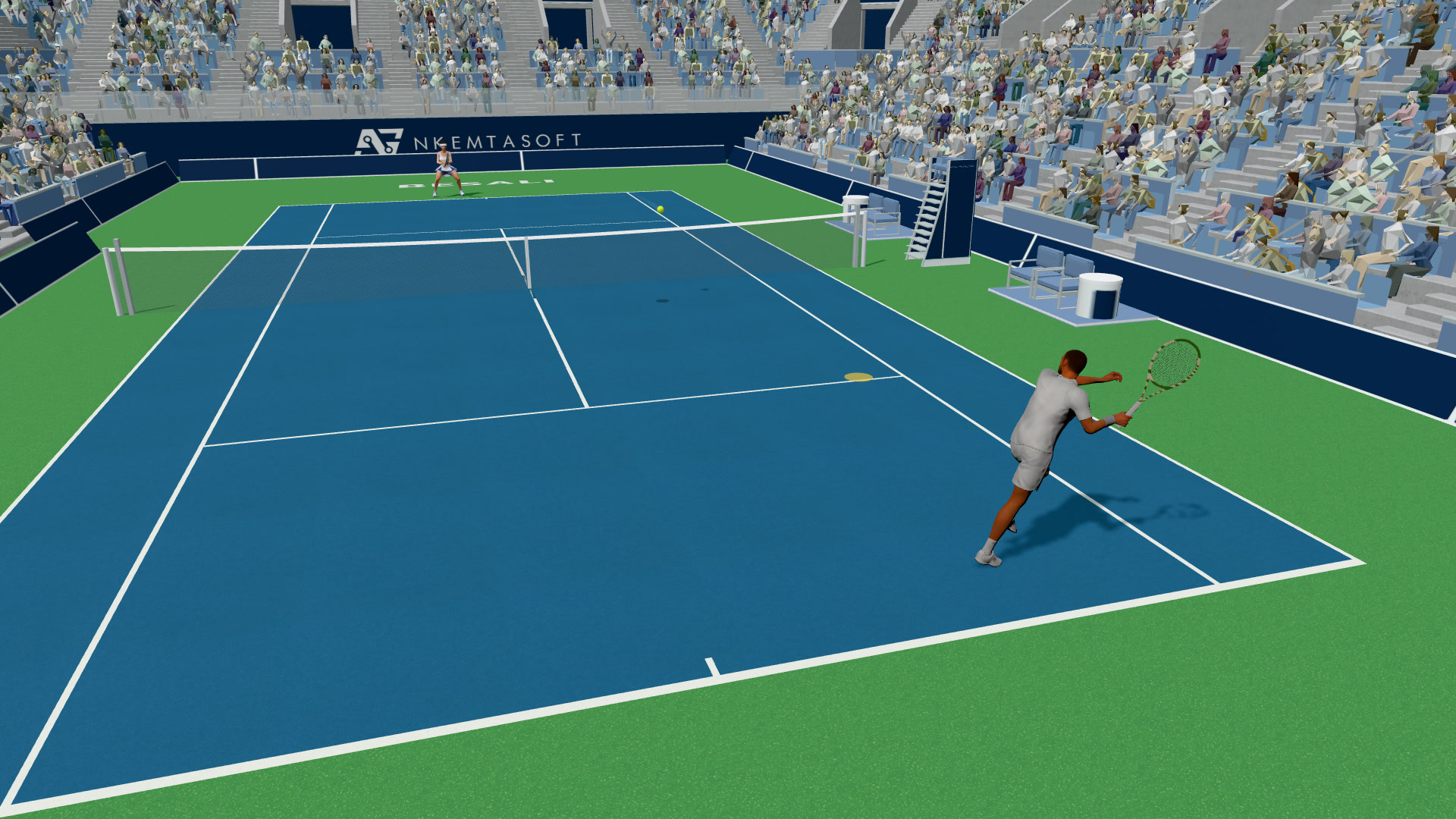
Get set
Move so you reach the ball before it reaches you, and plant.
- 2
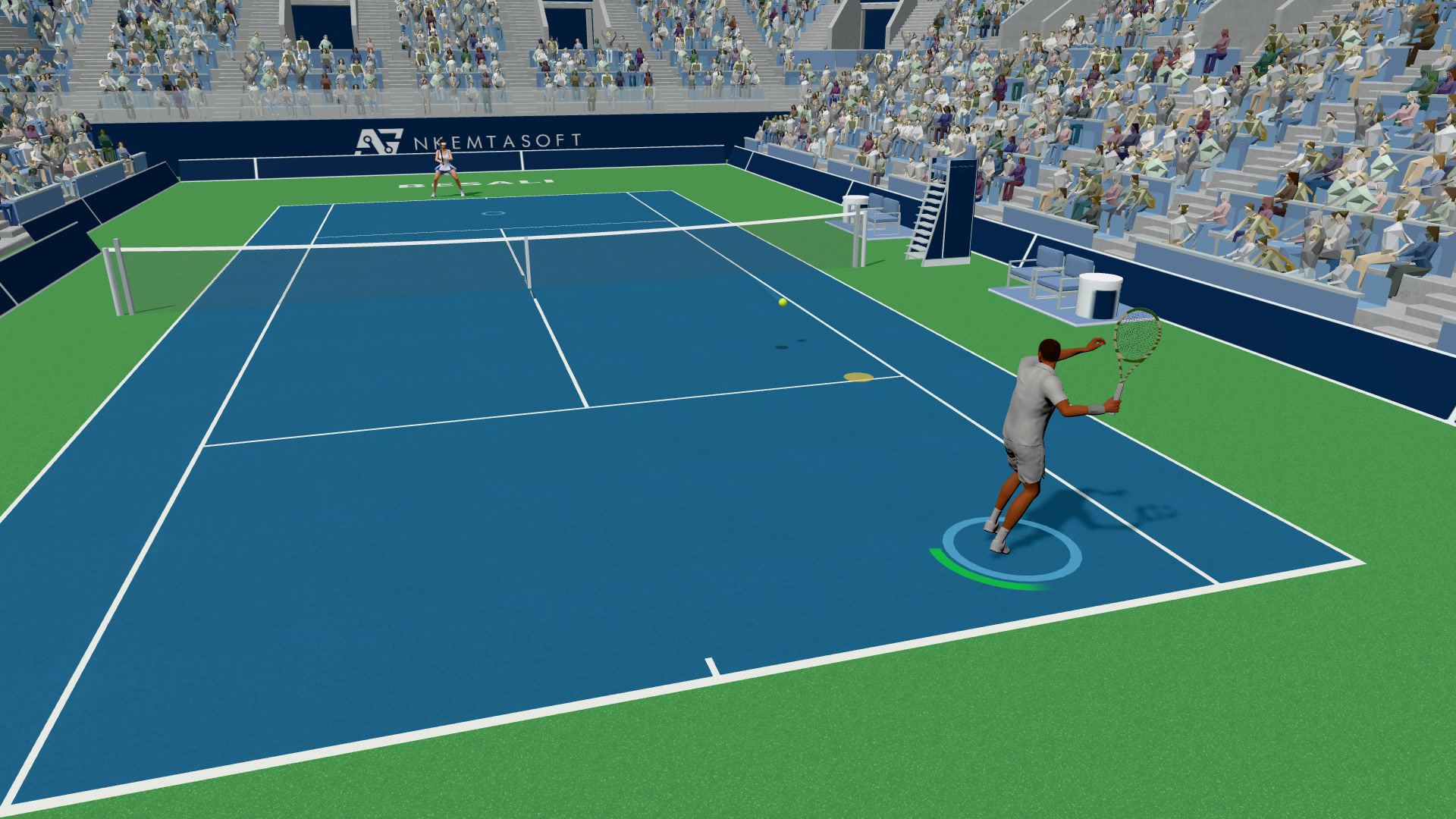
Charge
Hold a stroke key — half a second to full. The aim ring appears on the other side of the net.
- 3
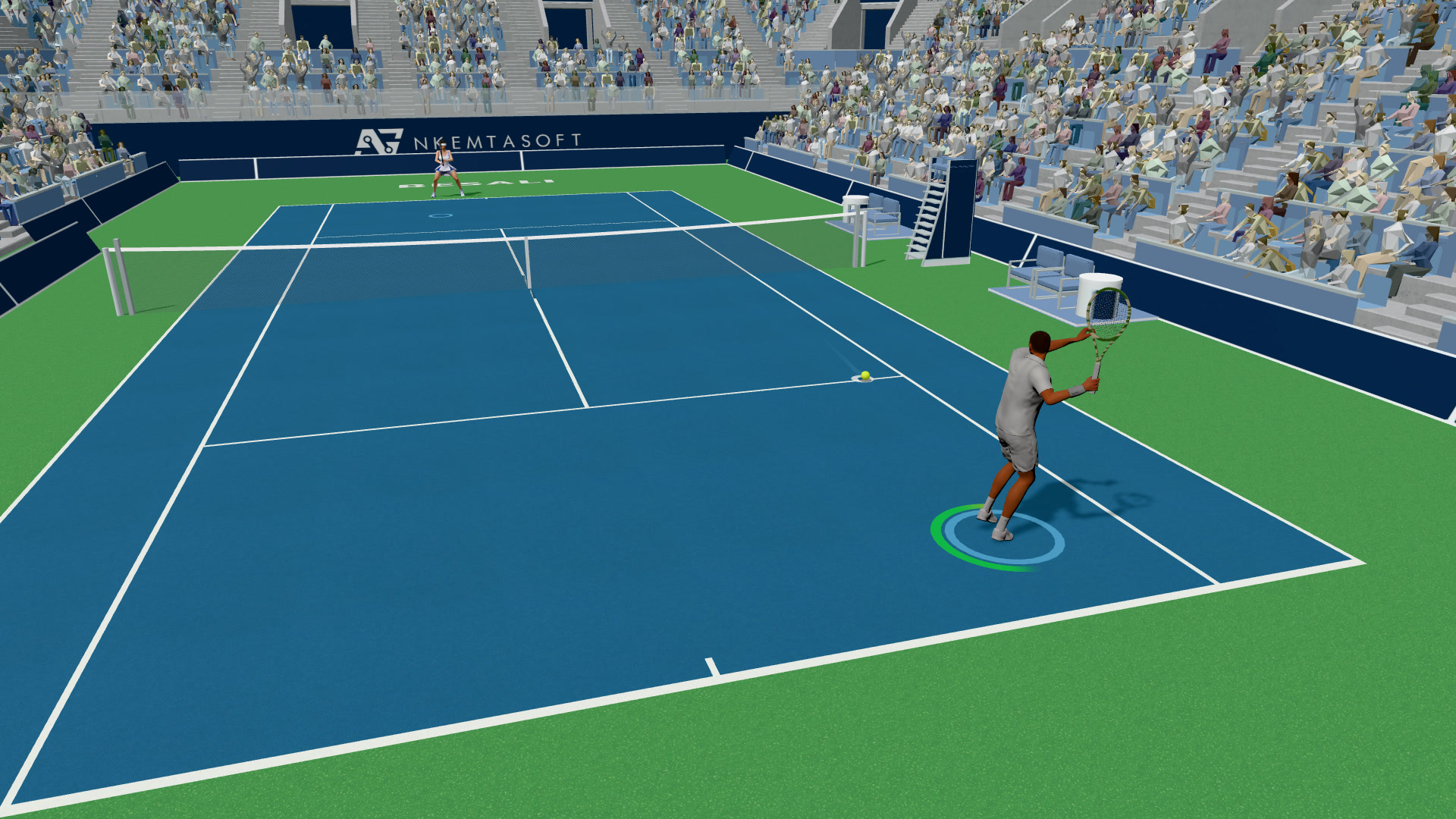
Steer the ring
While you charge, move to steer the ring to where you want the ball.
- 4
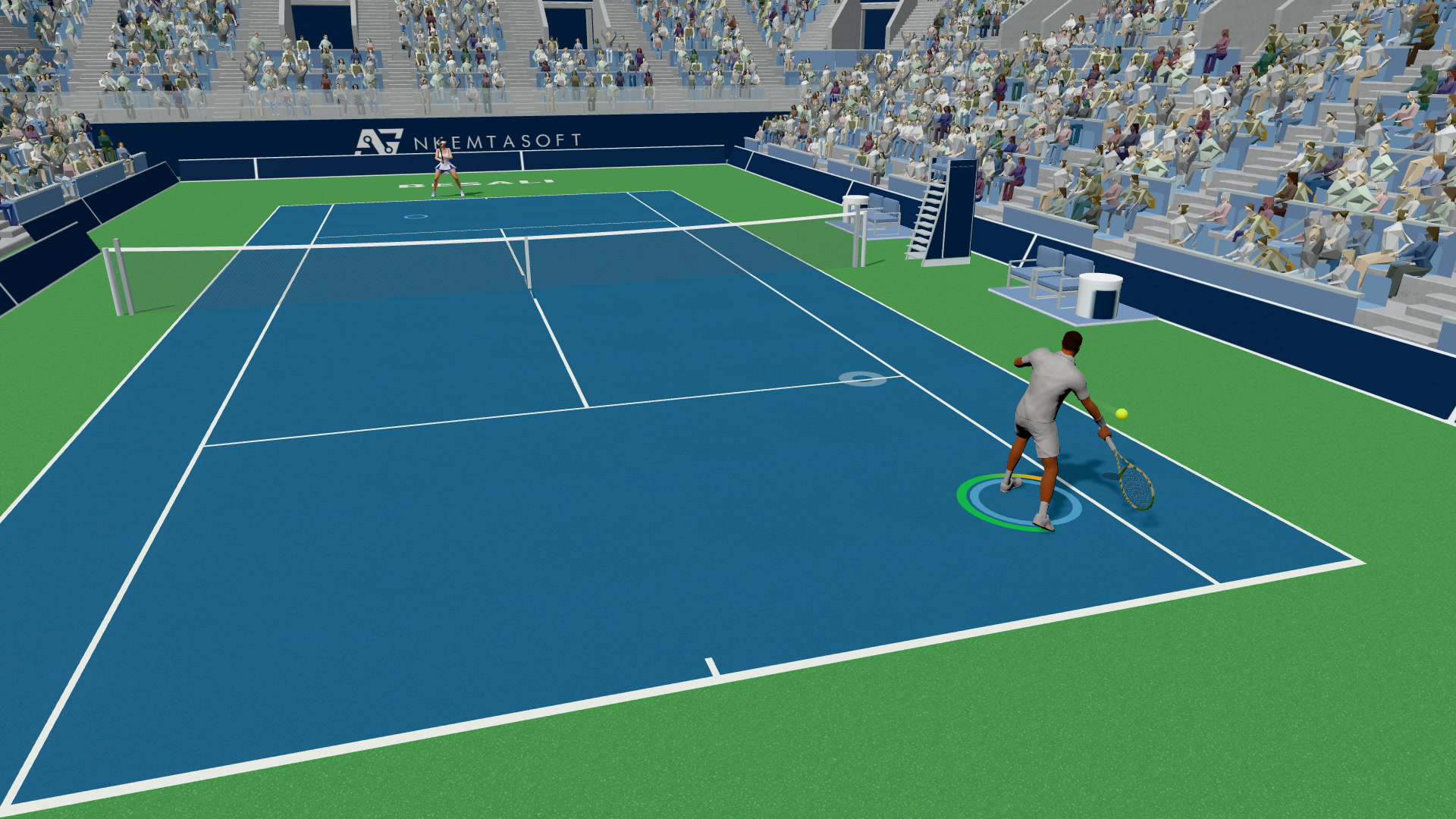
Release
Let go to hit. How long you charged and where the ring sits shape the shot.
- 5
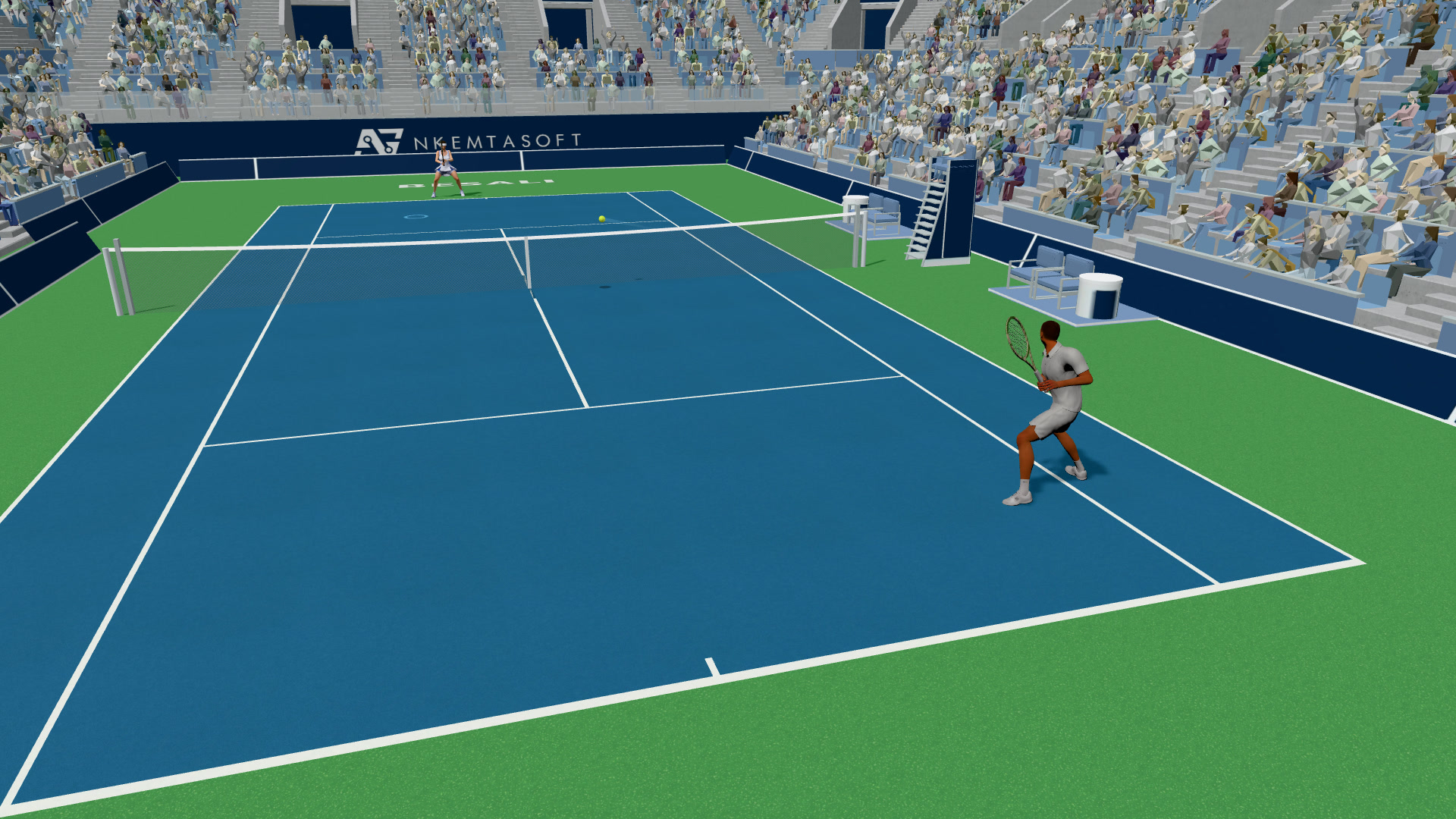
Recover
Get back into position for the reply.
Late is stretched. Stretched is short.
How early did you get set? Pick one and watch the shot change.
A drawing of the rule. The clips on this page are the game.
Six strokes, three serves.
The strokes
Drive
Your main rally shot, flat and through the court.
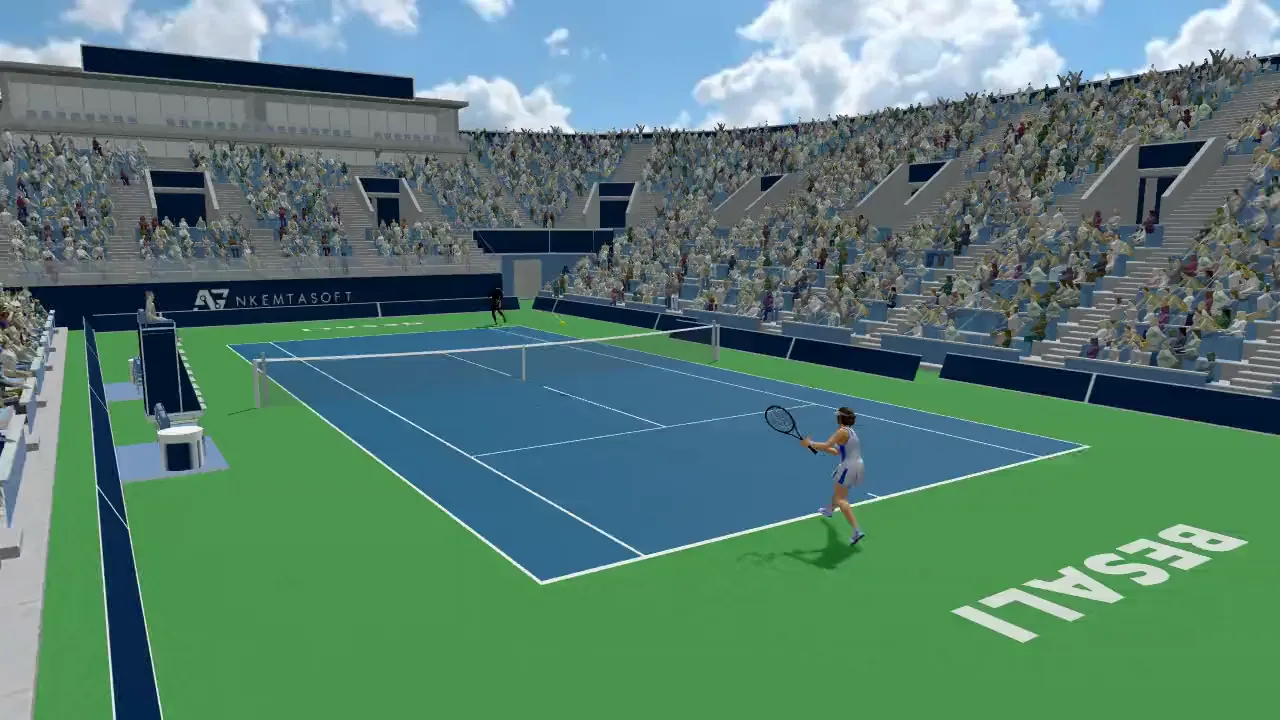
Slice
Underspin. The ball stays low.
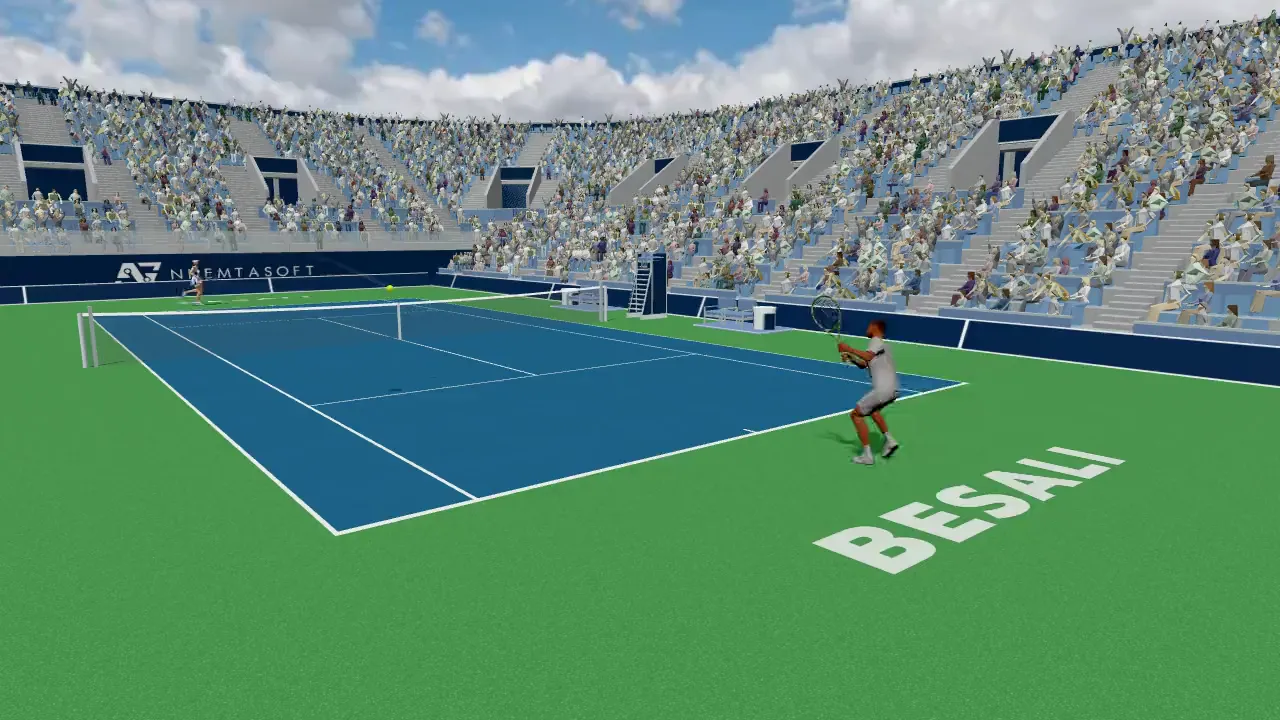
Lob
High, over a player at the net.
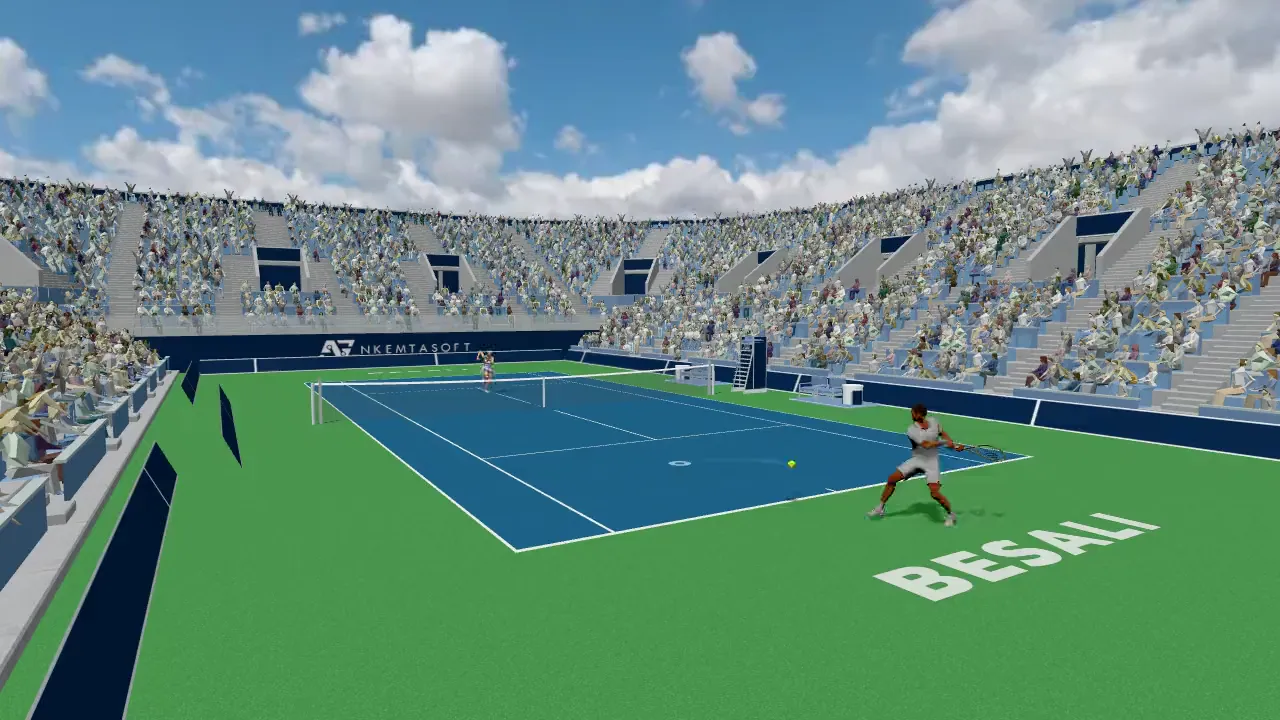
Drop shot
Short, just over the net.
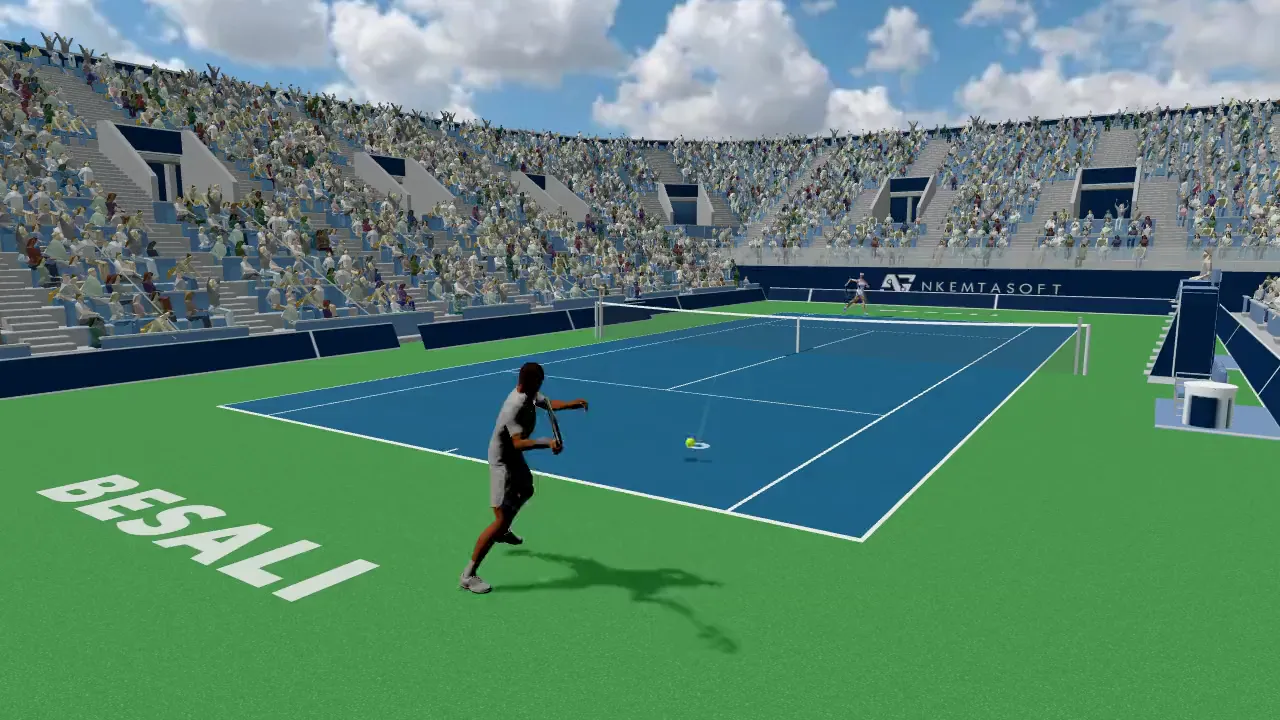
Volley
Hit before the bounce, at the net.
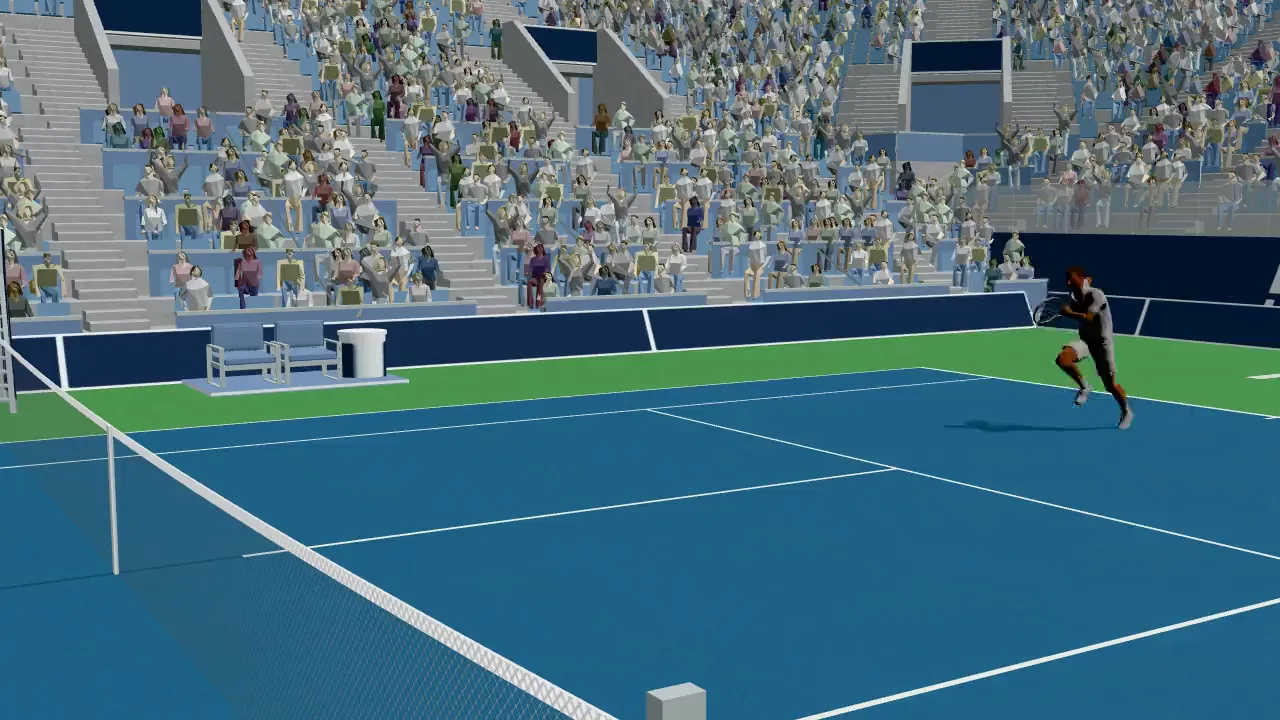
Smash
Overhead, from a lob — take the ball above your head at the net.
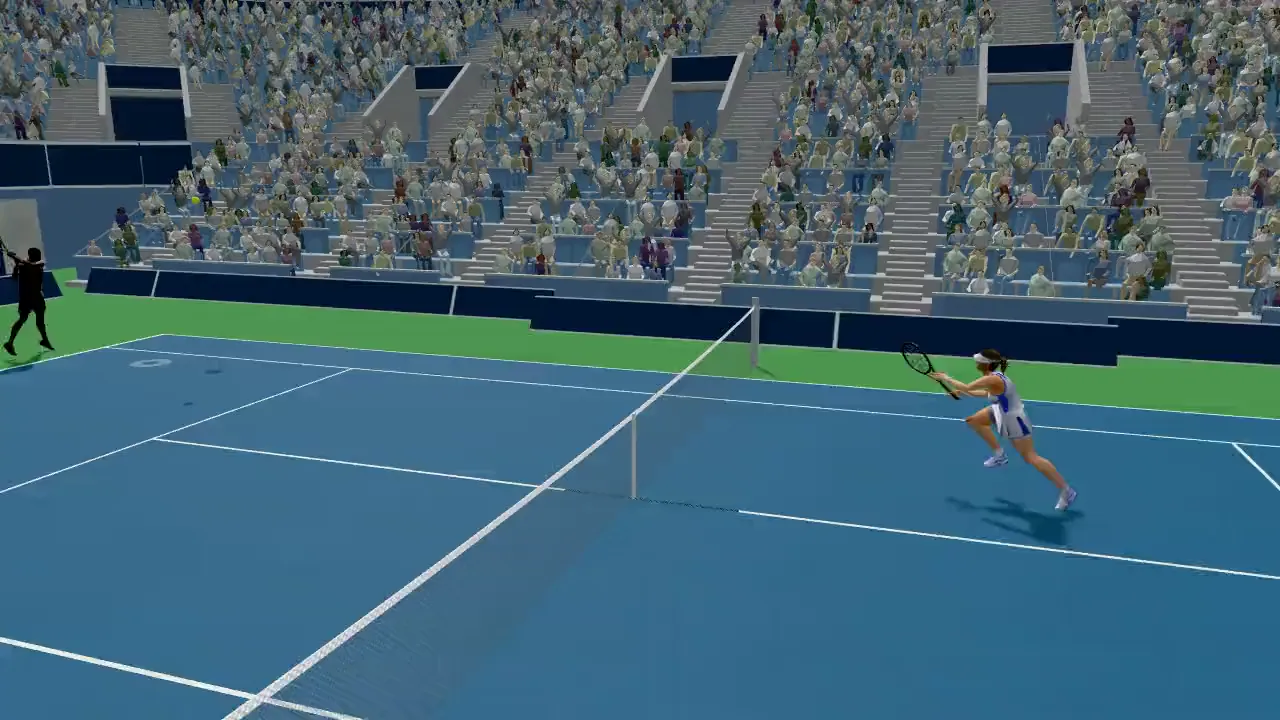
Kick, flat or slice.
At the serve the stroke keys pick the kind: J kick, K flat, L slice. Release to toss, then steer the ring during the toss.
Hitting on the run.
For very wide balls there is a separate input: Shift on a keyboard, the left trigger on a controller.
Controls.
The same map is in the game under Menu, Controls.
- WASD
- Move — or the arrow keys. While charging, steer the ring.
- JSpace
- Drive
- K
- Slice, or volley at the net
- L
- Lob
- I
- Drop shot
- Shift
- Hit on the run
- G
- Cancel the stroke
- C
- Camera
- V
- Share the last point
- Esc
- Menu
Hold a stroke key to charge, release to hit. At the serve: J kick, K flat, L slice.
- Left stick
- Move. While charging, steer the ring.
- Right stick
- Aim
- ACross
- Drive
- XSquare
- Slice, or volley at the net
- YTriangle
- Lob
- BCircle
- Drop shot
- LT
- Hit on the run
- RB
- Cancel the stroke
- Back
- Camera
- Start
- Menu
The game shows Xbox or PlayStation button names, whichever you plug in. At the serve: A kick, X flat, Y slice.
- Stick
- A virtual stick bottom-left: move, and steer the ring while charging.
- DriveSliceLobDrop
- Four buttons in a diamond bottom-right: Drive at the bottom, Slice left, Lob top, Drop right. Hold to charge, lift to hit, slide off to cancel.
- Landscape
- Turn the phone sideways to play.
At the serve the buttons read Kick, Flat and Slice.